Terraform Drift Detection: Why It Happens, How to Catch It, and What to Do About It
Infrastructure drift is one of those problems that feels manageable but keeps persistently cropping up, often at the worst times. An engineer opens port 22 during an incident and forgets to close it. A database instance gets manually resized during a performance issue and nobody updates the Terraform. A test environment gets partially torn down but a few resources keep running. Infrastructure as Code was supposed to prevent these kinds of issues, but they're often missed until the next time you try to push an update. Then you spend the next hour sweating over whether to push that apply to sync it up, or whether the drift was intentional and still required.
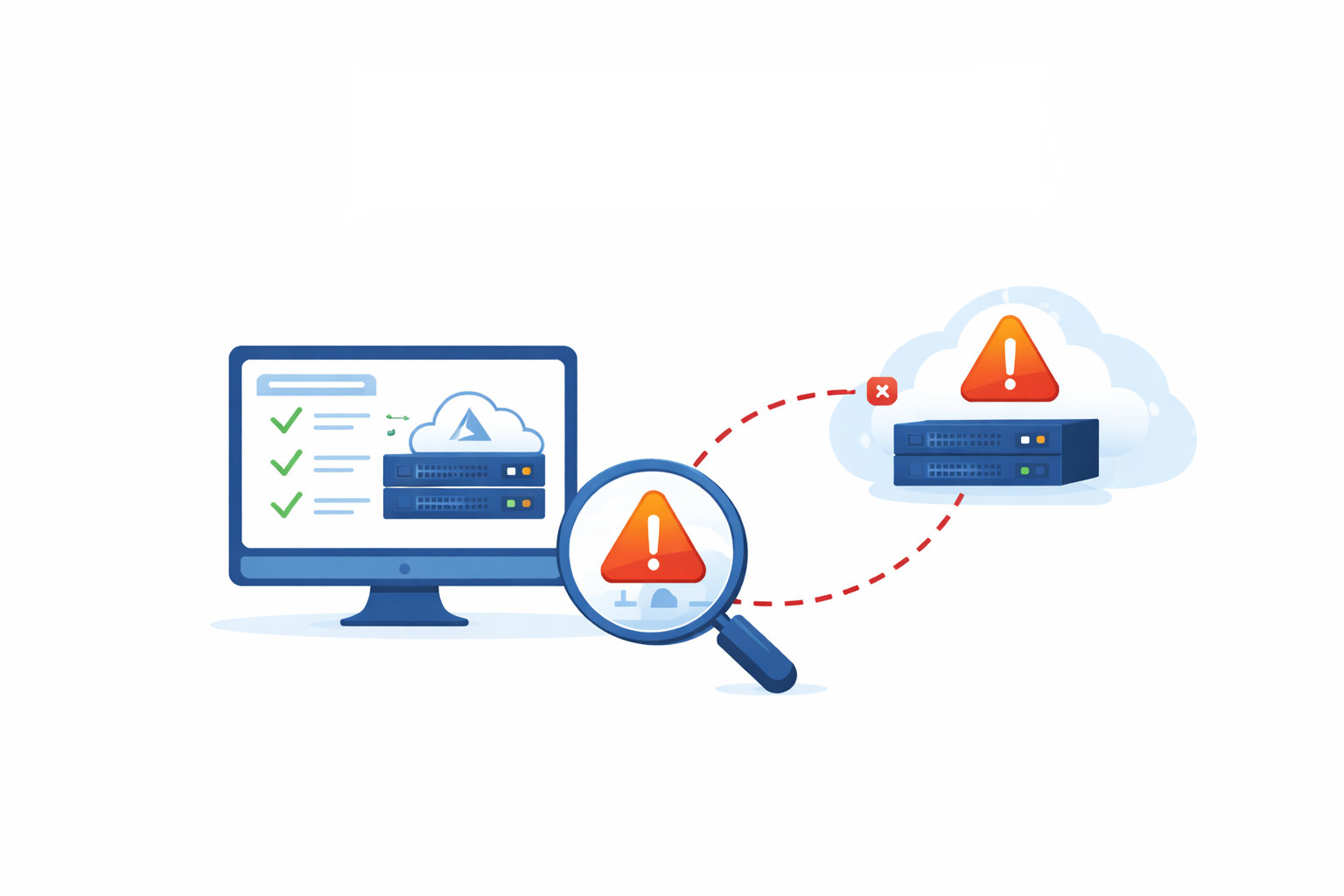
Drift detection is the practice of continuously comparing your actual cloud infrastructure against what your Terraform code says it should look like, and surfacing the gaps before they cause problems. This post covers how drift happens, the detection approaches available ranging from simple scripts to dedicated platforms, and a capability that goes beyond standard drift detection: identifying and managing infrastructure that was never brought under IaC in the first place.
How drift happens in practice
The most common source is the console change made under pressure. Someone is debugging a production issue at 2am, they open an inbound rule on a security group to investigate, the incident gets resolved, and the change never gets reverted or reflected in code. Three months later a security audit flags the open rule. Nobody remembers why it's there.
Other sources are less dramatic but just as real. Automated scaling events can create or modify resources outside Terraform's awareness. Other tooling running in the same environment, whether Ansible scripts, Kubernetes controllers, or cloud provider automation, can make changes Terraform doesn't know about. Cloud providers themselves occasionally modify resource attributes automatically. And sometimes engineers simply find the IaC path too slow for the change they need to make, so they go directly to the console with the intention of updating the code later, which doesn't always happen.
Firefly's 2025 State of IaC report found that fewer than a third of organizations continuously monitor for drift. The majority address it reactively, which usually means at the worst possible time.

What Terraform can and can't detect on its own
terraform plan is the foundation of drift detection. Running it compares the current state file against what's actually deployed in your cloud provider and produces a diff showing what would change. If the exit code is 2 (using the -detailed-exitcode flag), drift has been detected. This is functional and free, and it's the basis for most homegrown detection approaches.
The important limitation is that terraform plan only sees what Terraform knows about. It compares the state file against the live provider, which means it catches changes to managed resources. It does not catch resources that exist in your cloud environment but were never brought into Terraform at all, whether because they were created manually, inherited from another team, or predated your IaC adoption. Those resources are invisible to terraform plan.
terraform refresh (or terraform apply -refresh-only) updates the state file to reflect the current real-world state of managed resources, which can surface drift before a plan, but it has the same blind spot: it only operates on what's already in the state.
DIY detection: scheduled plans and scripts
For teams not ready to adopt a dedicated platform, the simplest approach is running terraform plan on a schedule and alerting when changes are detected. A cron job or CI/CD scheduled workflow that runs the plan, checks the exit code, and sends a Slack notification or opens a ticket when exit code 2 is returned handles the core case with no additional tooling.
The shell logic is straightforward:
terraform plan -detailed-exitcode
if [ $? -eq 2 ]; then
  echo "Drift detected" | notify-team
fi
There are several practical challenges with this approach. It requires someone to own and maintain the scripts, it doesn't scale well without additional orchestration, it still only detects drift on managed resources, and even if you add the plan output to the alert the context is still pretty limited. When drift is detected at 3am, the on-call engineer still needs to investigate from scratch.
For small environments with limited infrastructure and a disciplined team, this works. For anything more complex, the maintenance overhead and lack of context usually pushes teams toward better tooling.
Open source options: driftctl and cloud-concierge
Driftctl is a dedicated open-source drift detection tool that goes beyond state file comparison. Instead of relying on what Terraform thinks is deployed, it connects directly to your cloud provider and audits what's actually there, then compares it against your Terraform configuration. This means it can identify unmanaged resources, not just changes to managed ones. This is problematic when you divide your IaC on a per-project basis, as the extra infra turns into persistent noise. Also, this project is abandoned and already 'drifting' out of sync with cloud evolutions.
Cloud-concierge takes a similar approach, scanning cloud accounts directly for resources that aren't in any Terraform state file and providing a baseline inventory of your unmanaged footprint. It also appears to be more or less abandoned, having been merged into the Trivy project. There seems to be less focus on the cloud platforms, and the complexity has expanded. The project's future is unclear due to a major security compromise and the parent organization's focus on its commercial platform.
Dedicated platforms: Spacelift, Cloud on Rails, Firefly
Managed platforms handle the operational overhead and add capabilities that scripts and the current state of open source tools struggle to match.
Spacelift builds drift detection into its core orchestration model. Every stack has continuous drift detection enabled by default, running regular plans against each workspace and surfacing the results in a centralized dashboard. When drift is detected, Spacelift shows exactly what changed, which workspace it affects, and what the remediation plan would look like. Teams can configure automatic remediation for low-risk drift or require human approval for production changes. The OPA policy engine means you can define rules about which types of drift are acceptable and which trigger immediate alerts. Spacelift's recently launched Intelligence layer also lets engineers query drift status across their entire infrastructure in natural language, which changes how quickly teams can get situational awareness during incidents. We covered Spacelift and its AI capabilities in more depth in our AI infrastructure tools comparison.
Cloud on Rails integrates drift detection directly into the CI/CD pipeline alongside its guardrail engine. Rather than running as a separate monitoring process, it monitors for configuration divergence as part of the deployment workflow and surfaces alerts before small changes compound. Because it applies the same policy engine to detected drift as to new deployments, teams get consistent enforcement: a drifted resource that violates a cost or security policy gets flagged the same way a non-compliant PR would. The platform also generates AI-assisted IaC from existing infrastructure, which creates a path for bringing unmanaged resources under governance. COR is an invite only beta at the time of writing. This post will be updated when that changes.
Firefly takes the broadest scope of the three. Its cloud asset management layer continuously scans your entire cloud footprint and classifies every resource as codified (managed by IaC), unmanaged (exists but has no IaC representation), drifted (managed but diverged from its IaC definition), or ghost (in IaC state but no longer exists in the cloud). For the drifted category, Firefly generates remediation pull requests automatically. For the unmanaged category, which is where the more interesting capability lives, see the next section.
The unmanaged resource problem: bringing shadow infrastructure into IaC
Most organizations have infrastructure that was never managed by Terraform. Resources created before IaC adoption. Cloud accounts inherited through acquisition. Manual work done by teams who didn't have access to the IaC workflow. Experimental environments that got promoted to production. This infrastructure isn't drifted in the Terraform sense because it was never in Terraform to begin with. It's just running, untracked.
Standard drift detection tools don't help with this because they only monitor resources that are in a state file. You can't detect drift from a desired state that doesn't exist.
Firefly and Cloud on Rails both address this directly, though with different mechanics.
Firefly's codification feature scans your cloud accounts and identifies every resource regardless of whether it has any IaC representation. For unmanaged resources, it auto-generates Terraform (or Pulumi, CloudFormation, OpenTofu) definitions including dependencies, so selecting a VPC also generates the associated subnets and route tables. The generated code can be reviewed, committed to version control, and used to import the resource into Terraform state. Once imported, Firefly then monitors it for drift alongside everything else. The practical result is a path from "we have infrastructure nobody fully understands" to "all of it is codified, tracked, and monitored" without requiring manual resource-by-resource reverse engineering.
Cloud on Rails approaches this through its infrastructure onboarding capability, importing existing Terraform as-is into the managed pipeline without requiring migration, and extending its guardrail and monitoring coverage to include it. Resources that were previously managed ad-hoc get brought into the governed workflow incrementally.
The value of this capability is not just operational tidiness. Unmanaged infrastructure is invisible to your security posture reviews, cost attribution, compliance audits, and disaster recovery planning. If a resource exists in your cloud account but not in any IaC state, it doesn't get included in your DR runbooks, it doesn't get scanned by policy enforcement, and it doesn't show up in your tagging and cost allocation. Bringing it under management closes those gaps, not just the drift gap.
Auto-remediation: take a nuanced approach
When drift is detected, you have two options: alert a human to investigate and fix it, or automatically remediate by applying the Terraform configuration to bring the resource back in line.
Auto-remediation is more of a policy decision than a technical one. If you want to strictly enforce compliance to policies you can activate it and force users to always go through IaC. This can be frustrating during issues and lead to extended outages while troubleshooting. It also makes rapid, iterative testing a hassle, particularly in dev environments where new features are being tried out.
Often, the right pattern is detection, notification, and human-reviewed remediation, not silent automatic correction. The most common goal of continuous drift detection is to ensure drift doesn't accumulate unnoticed, not to remove human judgment from infrastructure changes.
Where to start
If you're not currently doing any systematic drift detection, the fastest starting point is scheduling terraform plan runs in your CI/CD pipeline and alerting on exit code 2. It's imperfect, but it's better than nothing and can be set up in just a few minutes.
If you want more comprehensive coverage, including unmanaged resource discovery and policy-aware alerts, a free cloud audit will give you a clear picture of how much drift and unmanaged infrastructure you're currently carrying and what the right tooling approach looks like for your environment. We work with Spacelift, Firefly, and Cloud on Rails depending on what fits the team's workflow and scale. Get in touch to get started.